
Turn X.com into a
Monitoring Powerhouse
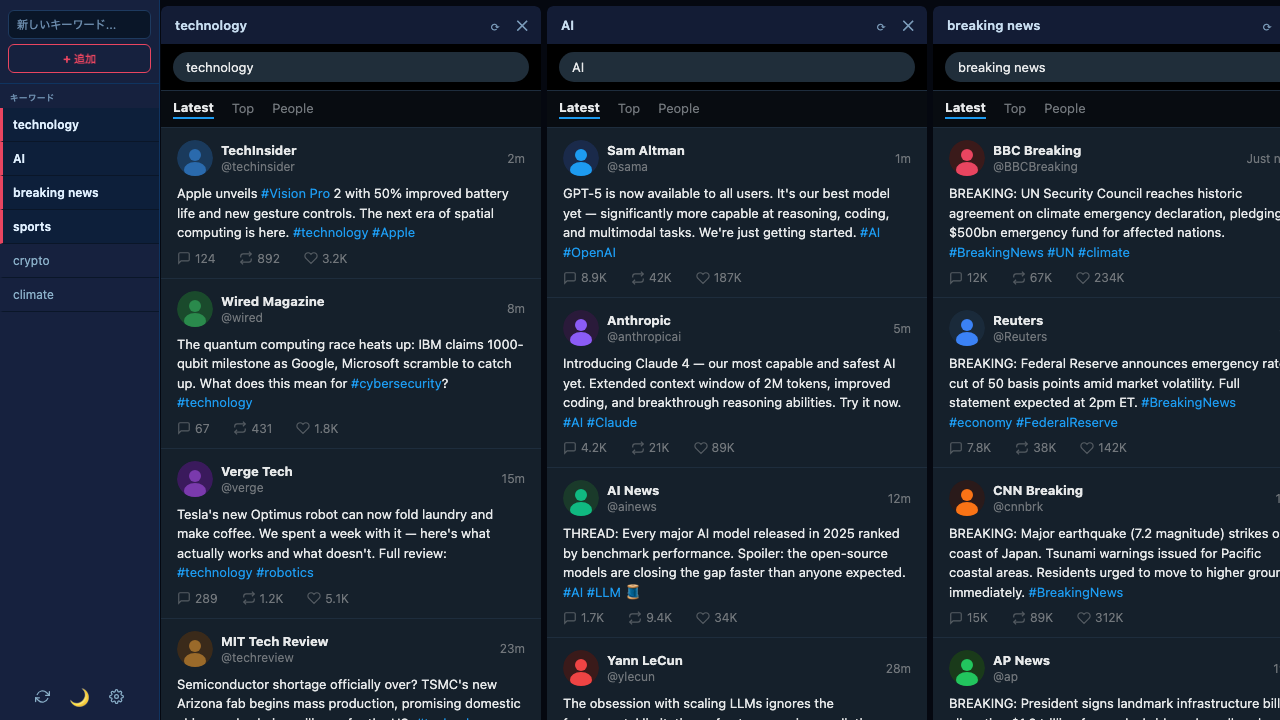
X Deck adds multi-column keyword tracking directly to X.com — right in your browser, with no sign-up and no data ever leaving your device.
Features
Everything you need to monitor X.com
Built for power users who need to stay on top of multiple topics without switching tabs.
Multiple Columns at Once
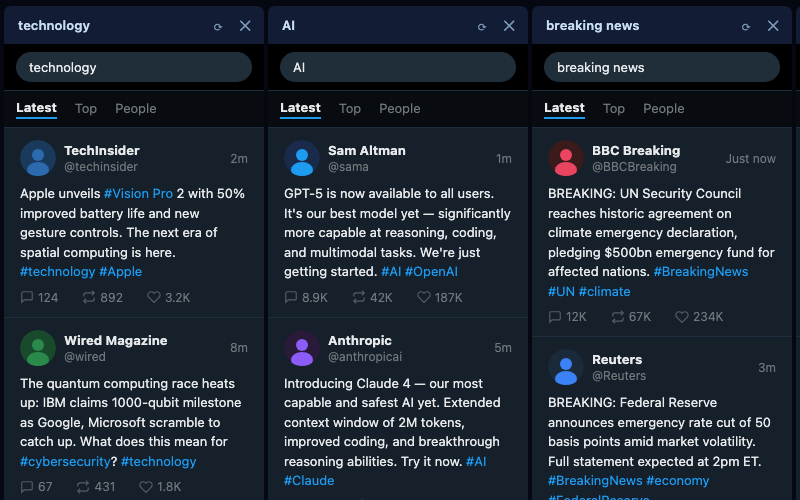
Track dozens of keywords simultaneously, side by side. Add, remove, and resize columns in seconds to build the monitoring layout that works for you.
Complete Privacy by Design
No account. No cloud. No servers. Your keywords and preferences are stored only on your device using Chrome's local storage — never transmitted anywhere.
Persistent Layout
Open X Deck and your columns are exactly where you left them. Keywords, column state, and settings are automatically restored every session.
Dark & Light Themes
Matches your workflow. Switch between dark and light mode with one click — your preference is saved and applied instantly across all columns.
How it works
Up and running in seconds
Install X Deck
Add the extension from the Chrome Web Store with one click. No sign-up, no account — just install and go.
Open X.com
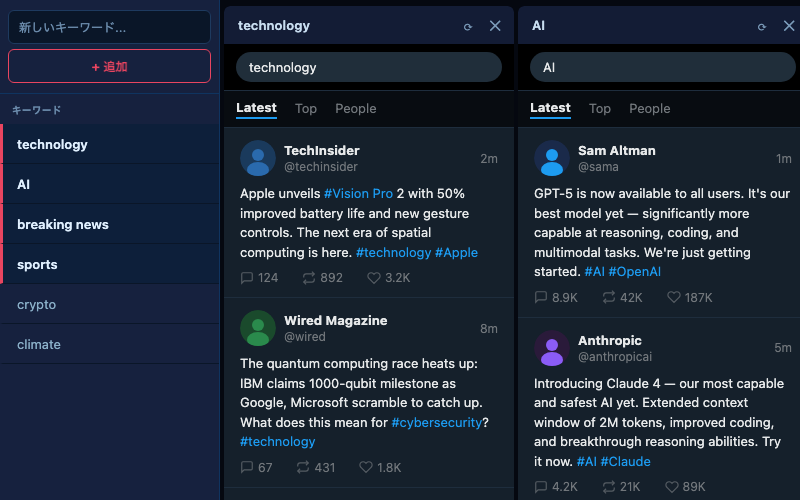
Navigate to x.com as usual. X Deck appears automatically, ready for you to add your first keyword column.
Add Keywords & Monitor
Type any keyword in the sidebar and press Enter. A new column appears instantly with live search results from X.com.
Privacy by design
Your data never leaves
your device. Ever.
X Deck was built privacy-first from day one. There are no servers, no accounts, and no analytics. Every keyword, column layout, and preference lives only on your device — stored via Chrome's local storage API, accessible only by you, and never transmitted anywhere.
- No data collection of any kind
- No account or sign-up required
- No third-party analytics or tracking
- Open permissions — only what's needed to display columns on x.com
Ready to monitor X.com
like a pro?
Install X Deck in seconds. Free, private, and built to stay out of your way.
Add X Deck to Chrome — FreeWorks on Chrome and Chromium-based browsers · X.com only